
CHAIN Combat Practice How to Execute CHAIN Scripts
The usual loadstring flow, why thin injectors fail, and what to do instead.
This page is a field guide to how CHAIN script users already operate, not a pep talk to inject. Roblox forbids third-party clients. If you only want better clashes, close this tab and open getting started. If you are going to paste a loadstring anyway, read the ban math first, then the scripts hub for the actual lines.
High-level flow
- Install an executor you already use for other Roblox games. Comments on CHAIN hubs repeatedly say thin, no-name injectors fail, especially on Survival kits that touch Adonis.
- Join the target place. Trainer autoplay belongs in a practice map. Survival ESP belongs in CHAIN — and is the louder ban magnet.
- Paste a
loadstring(game:HttpGet("..."))()from autoplay scripts or the hub list. - Execute once. If the GUI does not appear in a few seconds, the paste is dead or the injector cannot run
HttpGet. - Toggle only the feature you came for. Turning on every ESP, fly, and bypass button at once is how sessions crash.
We will not name a “best executor,” link a download, or give a key-system walkthrough. Those pages go stale in a week and are how malware travels.
PC versus mobile versus console
PC is where almost every CHAIN paste is tested. Mobile hubs exist and some authors claim full GUI support, but touch injectors are a separate mess and will not magically fix QTE timing. Console (Xbox / PlayStation) has no supported inject path in this wiki; play the trainer legally and use controls for button maps. CHAIN Practice Simulator lists all three device families because the game supports them, not because scripts do.
Why CHAIN pastes break more than simulator scripts
Original CHAIN is a recode-in-progress with a small team (cryptic on programming, capri as creative director, Yurixzaaa as owner). Remotes move. Adonis-style admin shows up in some builds. A “bypass” button that worked in March can freeze the client in August. Practice-simulator remotes are simpler — a QTE prompt and a repeat button — which is why autoplay is the only category that sometimes still fires.
If a hub promises “undetected + keyless + 80 features + Adonis bypass,” assume at least one of those claims is false. Prefer a tiny autoplay file over a 4,000-line obfuscated GUI if your only goal is watching a clash complete on a practice map.
Account hygiene
- Never inject on an account that owns limiteds, a stacked CHAIN gamepass set, or a Completionist badge you care about.
- Do not hop from a cheated Survival server into a private server you paid for on the same session; reports follow the user.
- Close the executor before you record a “legit” clip. Creators get called out when the clash window looks inhuman.
The better execute
Execute a plan, not a paste:
- Cap FPS (FPS settings).
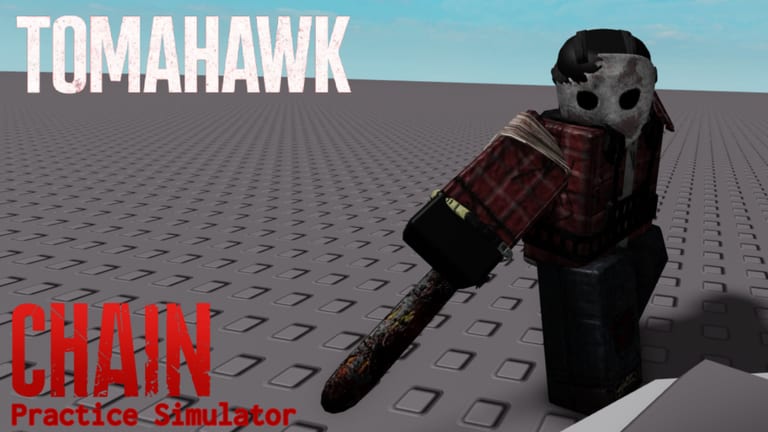
- Warm up on Machete, then Tomahawk, then X-Saw using the tier list.
- Run the timed sets on practice routine.
- Take the same binds into CHAIN private servers once you can win the clash on command.
That loop is why this wiki exists. Scripts are documented because search demand is real, not because they are the recommended path. For weapon specifics, stay in weapons instead of hunting a “win every QTE” toggle that will not exist next patch.
Frequently Asked Questions
Quick answers to the most common questions.
Can you recommend an executor?
No. This wiki will not rank injectors. If you need a name, you are already on a page you should probably leave.
The loadstring returns a 404.
The paste is dead. Check autoplay scripts and do not download a “fixed” file from chat.
Does execute work on Xbox?
Not in any way this wiki will document. Use the native trainer on console with controls.
I only want to practice, not cheat Survival.
Then you do not need a script. Open CHAIN Practice Simulator and follow getting started.